Is Tidy safe to use?
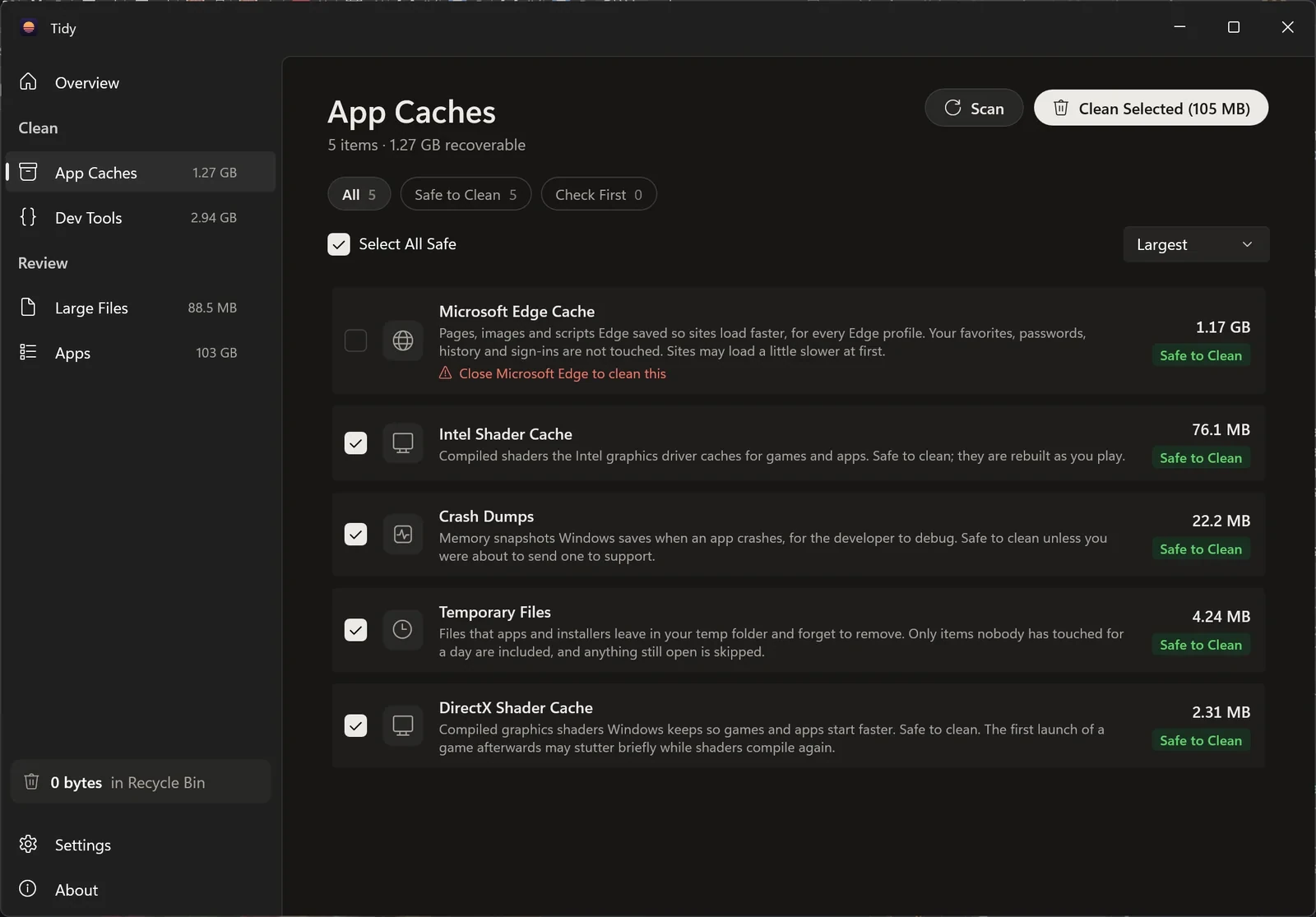
Caches are cleared only from a fixed allowlist, and anything Tidy doesn't recognize never shows up. Each path is checked again at the moment it's moved. Large files and apps are never selected for you, and nothing goes until you confirm. The safety page lists everything Tidy may clear and everything it refuses, generated from the app's own rules.
Will it delete anything permanently?
Files and folders go to the Recycle Bin, and emptying it is your call. If the Recycle Bin is turned off for a drive, or an item is too big for it, Tidy skips that item rather than delete it for good. Uninstalled apps are the exception: they can't go to the Recycle Bin. Store apps can be reinstalled from the Microsoft Store, and Tidy says so before you confirm. The Windows page is the other exception: Windows' own Disk Cleanup removes update leftovers and crash dumps for good, and Tidy says that before you confirm too.
What are "preinstalled extras"?
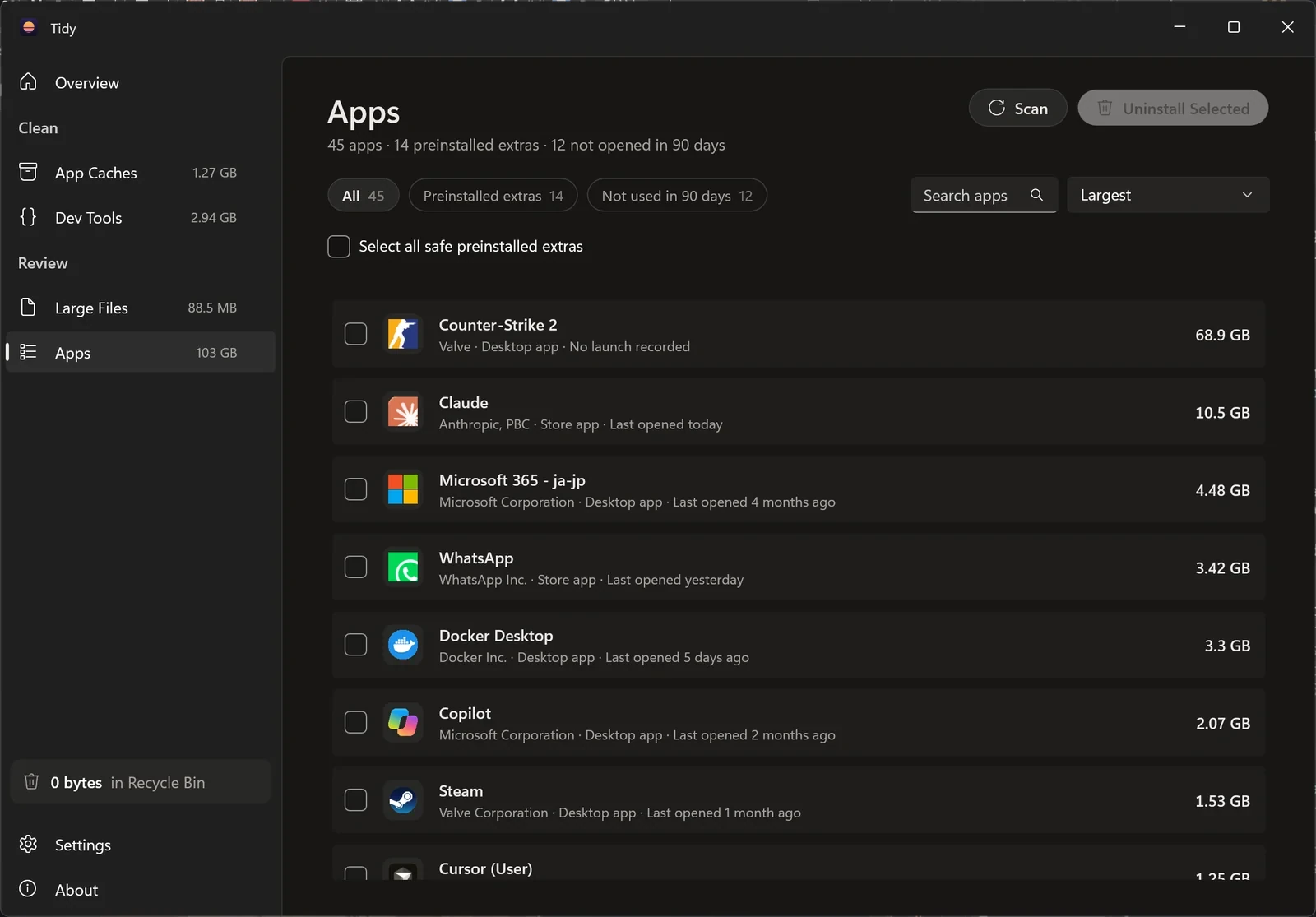
Apps that came with Windows or your PC rather than ones you chose: games like Solitaire and Candy Crush, News, Tips, Get Help, streaming promos, and maker add-ons from HP, Lenovo, Dell, ASUS and others. Each is marked Safe to Remove or Check First with a note on what it does. The Store itself, Windows Security, Xbox sign-in parts, codecs and drivers are never offered.
How does it know which apps I don't use?
Windows keeps a record of apps you open from Start, the taskbar and File Explorer. Tidy reads it on your PC; nothing leaves your machine. Apps you only start another way, like from a terminal, show "No launch recorded" instead of a date. If you turned app launch tracking off in Windows privacy settings, Tidy says so and doesn't guess.
Why does Windows say "Windows protected your PC"?
Tidy isn't code-signed yet, so SmartScreen warns about the downloaded installer. Choose More info, then Run anyway. The PowerShell install command doesn't trigger the warning, and it checks the installer against the published SHA-256 before running it.
Does it need admin rights?
Only for the Windows page. Tidy cleans your own folders and installs for your account only. To check or clean Windows' own folders, it asks for permission each time, and only Windows' own Disk Cleanup runs with it. Some desktop apps also ask for permission when their own uninstaller runs; that request comes from the app, not Tidy.
Why didn't my free space go up right away?
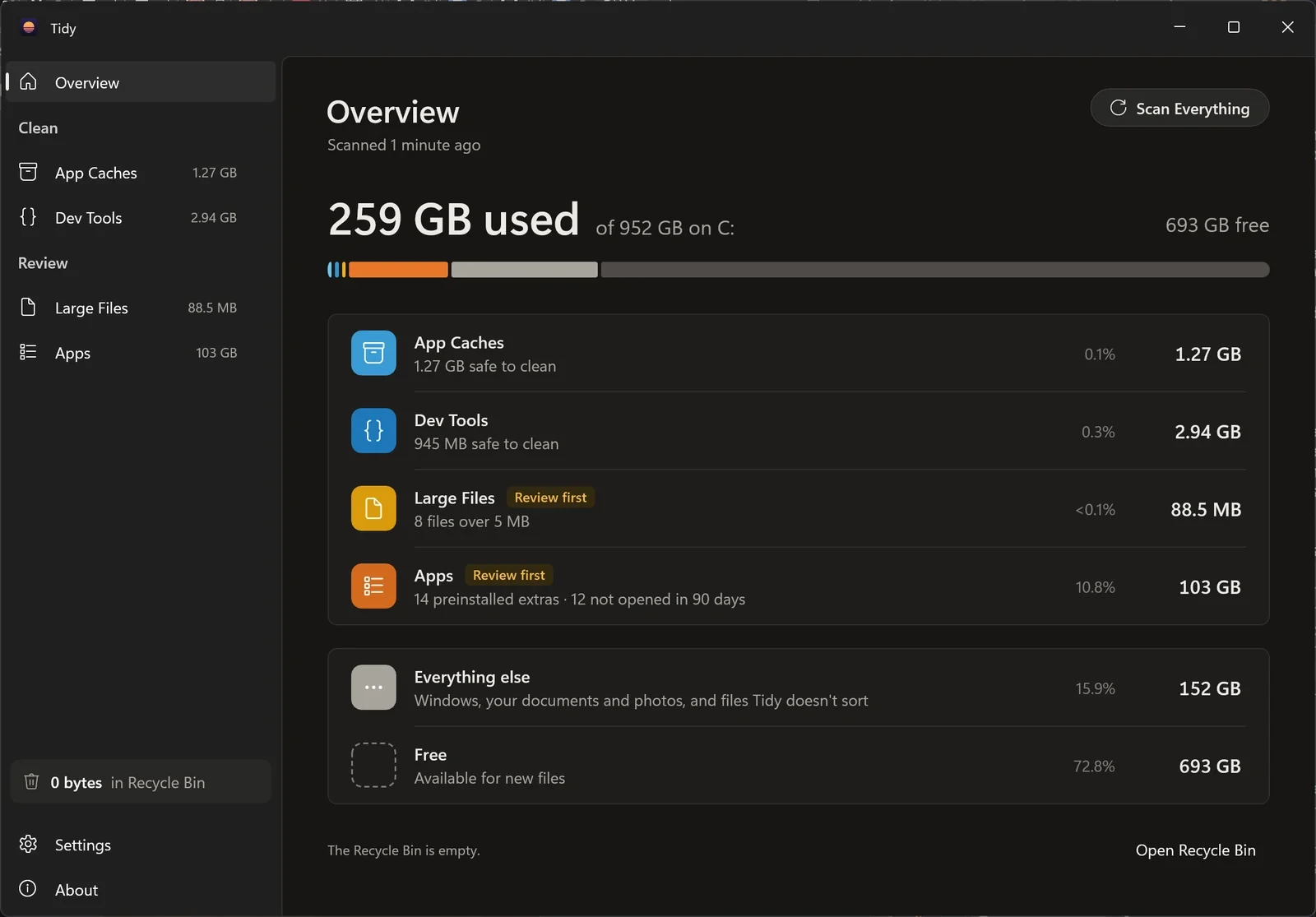
Files in the Recycle Bin still take space. The space comes back when you empty it. Tidy shows how much is sitting there, so the number isn't a surprise.
Does Tidy collect any data?
No. No analytics, no telemetry, no crash reporting, no account. The only connection Tidy makes is to ask GitHub whether a newer version is out, and that request carries nothing about your PC. You can turn it off in Settings.
Is it free?
Yes, Tidy is free to download and use. Nothing is bundled in, and there are no ads.
How do I update it?
Tidy checks for a new version when it opens and once a day, and shows it at the bottom of the sidebar. Open About and choose Install Update: Tidy downloads the installer, checks it against the release's published SHA-256, and reopens on the new version. A portable copy links you to the new zip instead. Running the install command again works too.
How do I uninstall it?
Uninstall Tidy from Settings > Apps like any other app. If you used the portable zip, close Tidy and delete its folder.